Switching Apple ID country requires careful steps to avoid service issues

Changing your Apple ID country can disrupt app and service access. Steps exist to prepare for the transition.
Why it matters
Users moving to a new country may need to adjust their Apple ID settings to maintain service access.
Preparation steps needed
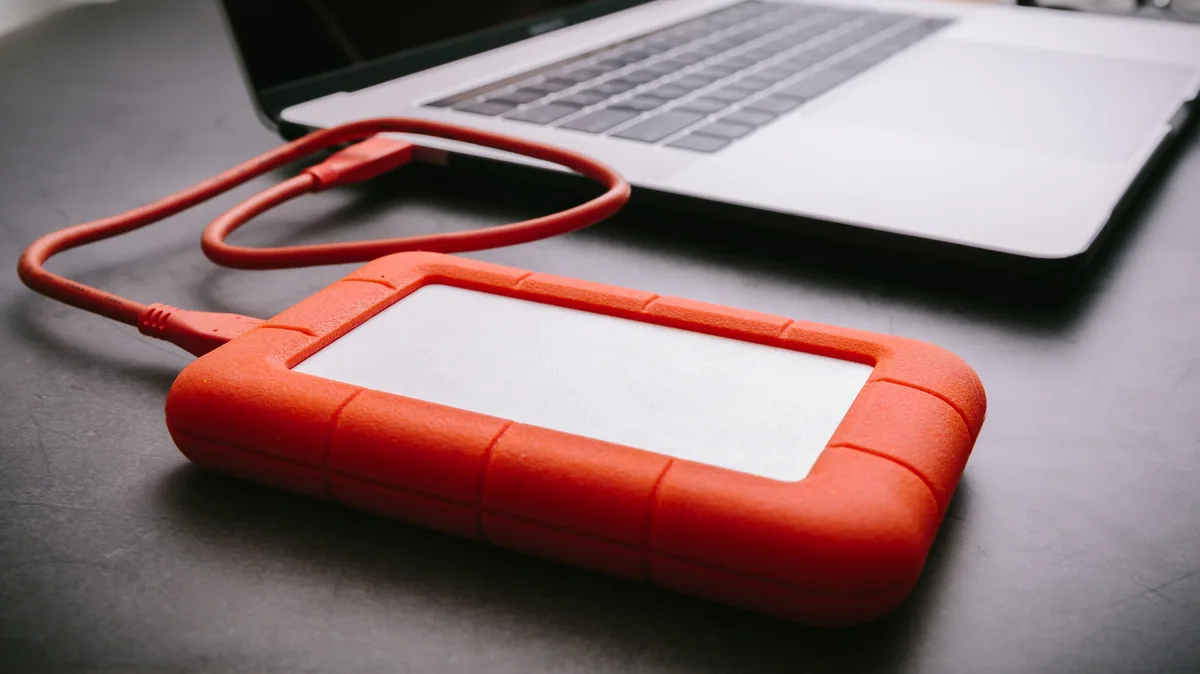
Users should back up data and check regional restrictions before changing their Apple ID country.
Service disruptions possible
Switching countries may affect access to region-specific apps, content, and payment methods.
Common questions
Can I keep my current apps after changing my Apple ID country?
Some apps may become unavailable if they are restricted to the original country of your Apple ID.
Do I need to update payment information when changing my Apple ID country?
Yes, payment methods must be updated to match the new country's available options.
Sources
- How to change your Apple ID country (and what you should do beforehand) By Alec Hively, Engadget · engadget.com
Headlines and links belong to the publishers listed above. The summary above is written by ShortlistGear; see how this works.