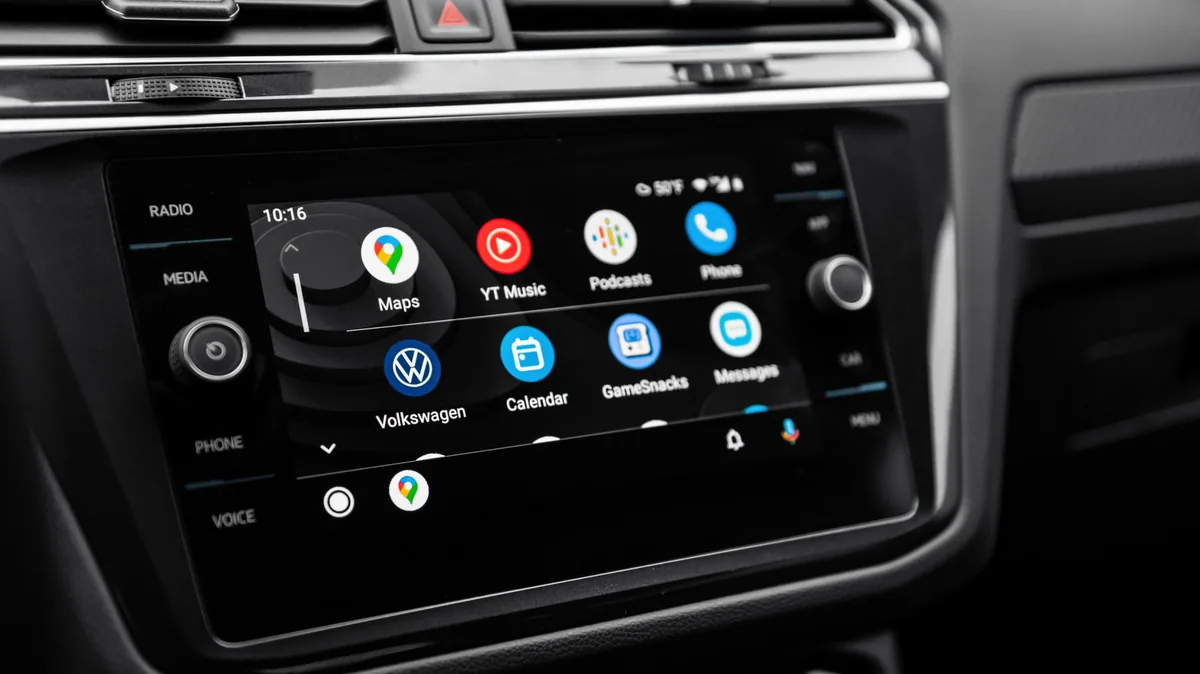
iPhone and CarPlay users can now track real-time app updates on screen
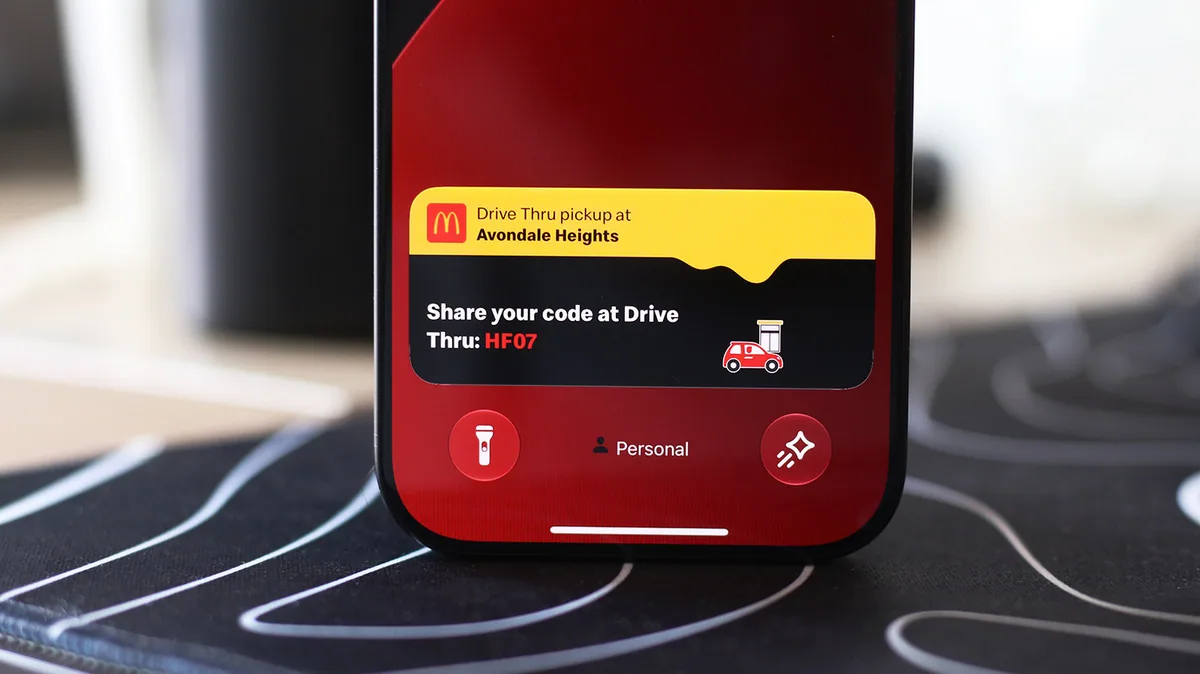
Apple introduced Live Activities to display real-time app data on iPhone and CarPlay. The feature shows updates from apps like fitness trackers and ride-sharing services.
Why it matters
Users can monitor important app updates without leaving their current screen.
What is Live Activities
Live Activities displays real-time information from apps directly on the iPhone and CarPlay screens.
Supported apps
Apps like fitness trackers and ride-sharing services are among those that support Live Activities.
Common questions
How do I enable Live Activities on my iPhone
Go to Settings, select Notifications, and toggle on Live Activities for the apps you want to use.
Sources
- How to enable Live Activities on iPhone and CarPlay By Adnan Ahmed, Engadget · engadget.com
Headlines and links belong to the publishers listed above. The summary above is written by ShortlistGear; see how this works.